









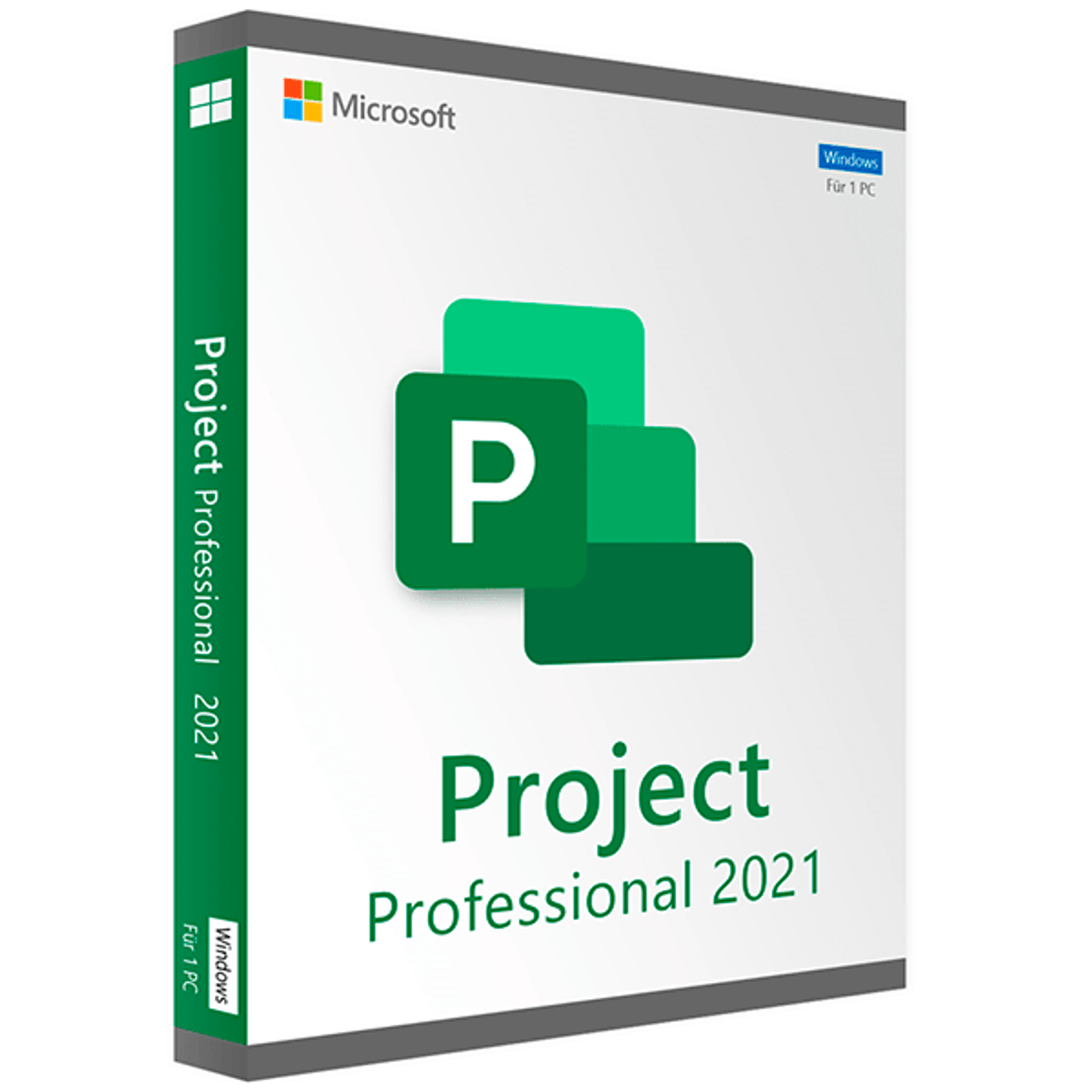
Microsoft Project 2021 Professional – How to download, install and activate?
Follow these steps to download, install, and activate Project 2021 Professional successfully on your computer:
1. Download the Image File
Download the image file from Microsoft’s CDN Server:
Click here to Download Microsoft Project 2021 Professional
2. Mount the Image File
After the download, double-click the file. A new drive will appear under “This PC”. Access that drive to start the installation. This process is called image mounting, similar to inserting a DVD.
3. Install the Software
Proceed with the installation of Project 2021 Professional.
4. Enter the Product Key
Enter the product key provided by us and activate the software.
Important: Ensure you follow each step accurately for a smooth installation and activation process.
System requirements
| Operating System | Windows 10, Windows 11, Windows Server 2019 |
|---|---|
| Hard Disk | 4.0 GB of available disk space |
| Memory | 4 GB (64bit), 2 GB (32bit) |
| Processor | 1.6 GHz or faster, 2-core |
| Display | (1280 x 768) Screen Resolution |
| Graphics Hardware | DirectX 10 |
Download center

Original softwares checked for viruses
Get your licence today
Rated 4.91 out of 5 based on 11 customer ratings
(2 customer reviews)
£25.99


