









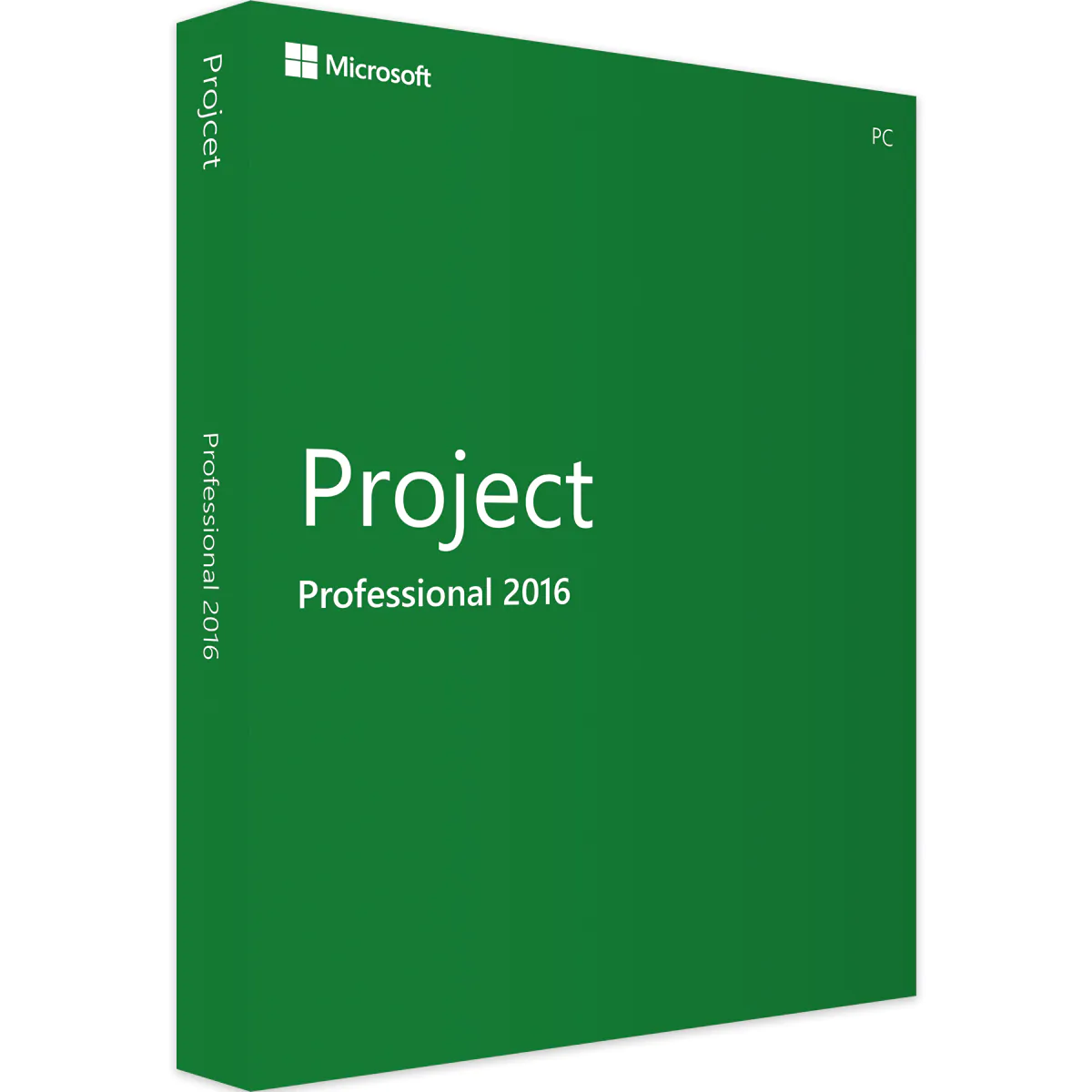
Microsoft Project 2016 Professional – How to download, install and activate?
Follow these steps to download, install, and activate Project 2016 Professional successfully on your computer:
1. Visit Microsoft’s Website
Go to setup.office.com.
2. Sign In or Create a Microsoft Account
Create a new Microsoft account or sign in to your existing one.
3. Enter Your Product Key
Enter the product key provided by us.
4. Download Microsoft Project 2016 Professional
Download and install Microsoft Project 2016 Professional.
Important: Ensure you follow each step accurately for a smooth installation and activation process.
System requirements
| Operating System | Windows 10, Windows 11, Windows 7, Windows 8.x, Windows Server 2008 R2, Windows Server 2012, Windows Server 2012 R2 |
|---|---|
| Hard Disk | 4.0 GB of available disk space |
| Memory | 1 GB (32-bit) or 2 GB (64-bit) |
| Processor | 1 GHz or faster |
| Display | (1280 x 768) Screen Resolution |
| Graphics Hardware | DirectX 10 |
Download center

Original softwares checked for viruses
Get your licence today
Rated 4.90 out of 5 based on 10 customer ratings
(2 customer reviews)
$ 1,263.79 Original price was: $ 1,263.79.$ 391.60Current price is: $ 391.60.


