Our customers say Excellent 4.5 out of 5 en based on
Excellent 4.5 on

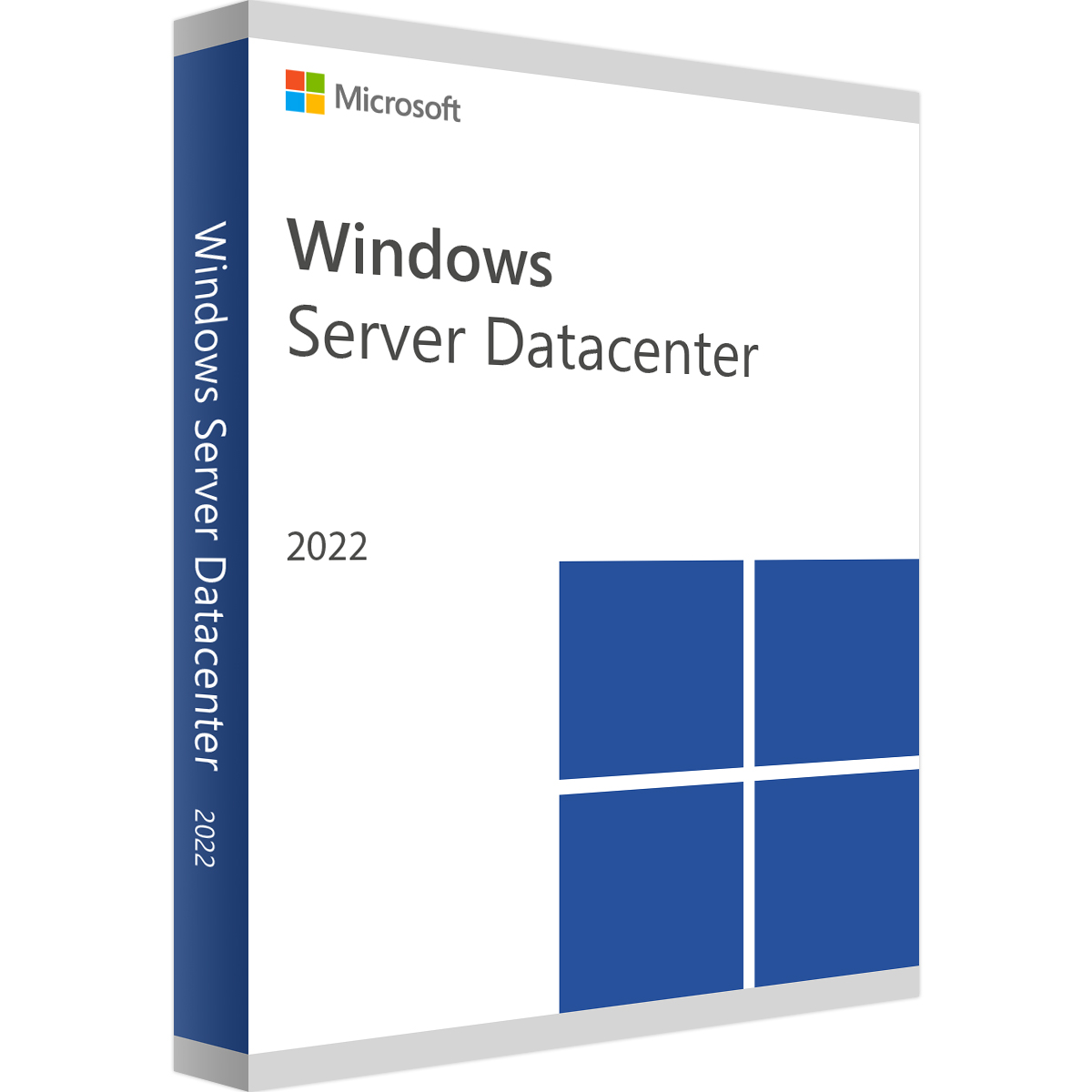
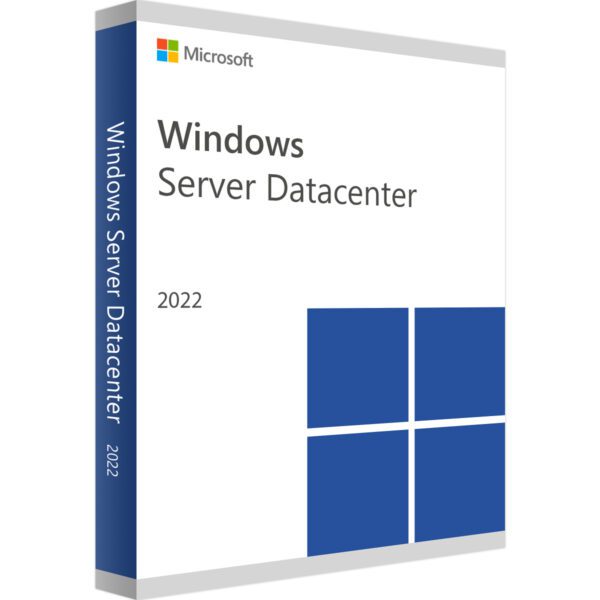
Windows Server 2022 Datacenter

(3 customer reviews)

£39.99

14 People watching this product now!

We are a certified Microsoft Partners
Click to verify

Digital license key delivered via email, including a step-by-step guide & download link.

Buy license product CD key for Windows Server 2022 Datacenter. Fast delivery to your email. Genuine Product Key.

£39.99

10 People watching this product now!

Windows Server 2022 Datacenter

(3 customer reviews)
Back to products
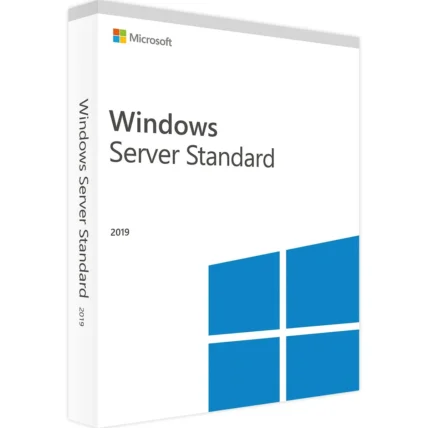
Windows Server 2019 Standard Key
Windows Server 2019 Standard Original price was: £184.90.Current price is: £29.99.

We are a certified Microsoft Partners
Click to verify

Digital license key delivered via email, including a step-by-step guide & download link.

15 People watching this product now!

Buy license product CD key for Windows Server 2022 Datacenter. Fast delivery to your email. Genuine Product Key.

Duration

Lifetime

Devices

1 PC

Activation

Online

Warranty

1 year

Brand

Microsoft

SKU: 9725416161 Categories: ,

Reviews

Real reviews from verified buyers to help you make the best choice.

Description

Windows Server 2022 Datacenter

Windows Server 2022 Datacenter seamlessly integrates on-premises environments with Azure services, optimizing hybrid scenarios. Furthermore, it enhances security with multiple layers of protection, which helps minimize business risks. In addition, the system evolves data center infrastructure by enabling greater efficiency and scalability through hyper-converged infrastructure solutions. As a result, it allows organizations to develop cloud-native applications and modernize traditional applications using containers and microservices.

Released in August 2021, Windows Server 2022 Datacenter is the third version based on the Windows 10 platform. Moreover, it follows Windows Server 2016 and 2019. Designed to support modern IT environments, it offers robust capabilities for data center management and hybrid cloud integration.

Key Features Of Windows Server 2022 Datacenter

Container Services:

  • Kubernetes support (v1.14): It enables orchestration of containerized apps at scale, supporting deployment across clusters.
  • Tigera Calico for Windows: Additionally, this enhances network policy enforcement and security for Kubernetes on Windows.
  • Linux containers on Windows: Provides compatibility for running Linux containers, expanding deployment options.

Storage:

  • Direct Storage Spaces: It improves efficiency by leveraging direct access to storage devices.
  • Storage migration service: This feature facilitates seamless migration of data across storage infrastructures.
  • Storage Replica: Enables replication of volumes between servers, improving disaster recovery capabilities.
  • System Perspectives: Provides insights into resource usage and performance metrics for proactive management.

Security:

  • Shielded virtual machines: Additionally, it enhances security by protecting virtualized workloads against unauthorized access.
  • Enhanced Windows Defender ATP: Strengthens defense mechanisms against advanced threats and malware, safeguarding environments.

Administration:

  • Windows Admin Center: Simplifies IT operations through centralized tools for monitoring, management, and troubleshooting.
  • Configuration Diagnostics: Diagnoses and resolves configuration issues, ensuring server performance.
  • OpenSSH included: Supports secure remote management via the OpenSSH protocol, enhancing server administration flexibility.

These features enhance Windows Server 2022’s ability to manage IT environments, while also supporting cloud-native applications and providing robust security for enterprise deployments.

Installation Options:

  • Server Core: This is a streamlined setup without a local GUI, supporting all server roles and optimized for remote management through Windows Admin Center or PowerShell.
  • Desktop Experience Server: A full installation of Windows Server with a GUI, making it suitable for scenarios where direct server interaction is necessary.

Evaluation Options:

  • Windows Server 2022 on Microsoft Azure
  • Windows Server 2022 | 64-bit ISO
  • Windows Server 2022 | 64-bit VHD

Hardware requirements
Duration

Lifetime

Devices

1 PC

Activation

Online

Warranty

1 year

Processor

1.4 GHz or faster (64-bit)

Memory

512 MB for Server Core 2 GB for Server with Desktop Experience, ECC type or similar for physical host deployments

Hard Disk

32 GB of free space

Display

Super VGA (1024 x 768) or higher-resolution

Brand

Microsoft

Reviews (3)
4.9
3 reviews
10
1
0
0
0

3 reviews for Windows Server 2022 Datacenter

Clear filters
  1. Gary (verified owner)

    fast and reliable, no complaints

    • Store manager admin

      We’re over the moon about your feedback! Thanks for choosing Licengo and giving us a 5-star rating.

  2. ross (verified owner)

    Instant delivery and the key worked flawlessly. Great experience!

    • Store manager admin

      Your feedback is invaluable to us at Licengo. Thanks for sharing your positive experience!

  3. karl (verified owner)

    key arrived quickly, no problems

    • Store manager admin

      Your satisfaction is our top priority at Licengo, and we’re so happy to see your 5-star review!

Show reviews in all languages (11)

Add a review

Your email address will not be published. Required fields are marked *

FAQs

Frequently Asked Questions

What are the key features of Windows Server 2022 Datacenter?

Some key features include:

  • Unlimited virtualization: Unlimited virtual machine instances with Hyper-V.
  • Advanced security: Secured-core server features, such as hardware root of trust and virtualization-based security.
  • Hybrid cloud capabilities: Seamless integration with Azure services.
  • Storage innovations: Storage Spaces Direct and Storage Migration Service enhancements.
  • Networking improvements: Software-defined networking (SDN) and advanced multi-layer security.

What are the differences between Windows Server 2022 Standard and Datacenter editions?

  • Virtualization: Standard allows up to 2 VMs, while Datacenter supports unlimited VMs.
  • Advanced features: Datacenter includes features like SDN, Storage Replica, and Shielded VMs that are not available in the Standard edition.

What are the licensing requirements for Windows Server 2022 Datacenter?

Windows Server 2022 Datacenter requires licenses for every physical core in the server, with a minimum of 16 cores per server and 8 cores per processor. Client Access Licenses (CALs) are also required for each user or device accessing the server.

Is Windows Server 2022 Datacenter suitable for small businesses?

While it offers powerful features, Windows Server 2022 Datacenter is typically better suited for large enterprises or organizations with extensive virtualization or cloud integration needs. Small businesses might find the Standard edition more cost-effective.

Does Windows Server 2022 Datacenter support cloud integration?

Yes, it includes hybrid capabilities with Azure services, such as Azure Arc, Azure Backup, and Azure Site Recovery, for seamless cloud integration and management.

What are the hardware requirements for Windows Server 2022 Datacenter?

The basic requirements include:

  • Processor: 1.4 GHz 64-bit processor with support for Intel VT or AMD-V.
  • Memory: Minimum 512 MB (2 GB for Server with Desktop Experience).
  • Storage: At least 32 GB of disk space.

How do I upgrade to Windows Server 2022 Datacenter?

To upgrade, you can use the in-place upgrade option if your current server is running Windows Server 2016 or 2019. Ensure you back up your data and meet hardware compatibility requirements.

Can I use Windows Server 2022 Datacenter as a virtual host?

Yes, Datacenter is specifically designed for high-density virtualization scenarios and includes features like Hyper-V and Shielded VMs for secure and efficient hosting.

Where can I purchase Windows Server 2022 Datacenter?

You can purchase it from authorized Microsoft resellers, Volume Licensing Service Centers, or Microsoft’s official website.


Installation Guide

Follow these steps to download, install, and activate Windows Server 2022 Datacenter successfully:

  1. Download Windows Server 2022: Visit the official Microsoft website to download the Windows Server version.
  2. Select and Download the Image File: Choose “Windows Server 2022” and download the image file.
  3. Prepare for Installation: Copy the required files to a DVD or a USB flash drive and use it to perform the installation.
  4. Activate Windows Server: To activate Windows Server, follow these steps:

    Run the Command Prompt (CMD) as an administrator and enter the following command:

    Dism /online /Set-Edition:ServerDatacenter /AcceptEula /ProductKey:XXXXX-XXXXX-XXXXX-XXXXX-XXXXX

    Note: Replace the X’s with your actual product key.

How It work

Follow these quick and easy steps to purchase, download, and activate your software hassle-free.

Buy Securely at Licengo.com

Purchase your product safely with SSL encryption at competitive prices.

1.

Receive Your License Key via Email

We will send you the activation key and detailed download instructions to your email.

2.

Download Your Original Software

Easily download your original software using the provided instructions.

3.

Activate Your Lifetime License

Enjoy lifetime access to your software with the license key purchased from Licengo.com.

4.

Competitive Prices

We offer the best prices in the market, get genuine products at discounted prices.

Customer Support

Our human support available to help you resolve any incident as quickly as possible.

We Deliver Instantly

After receiving payment, product are delivered instantly, some products may take a few hours.

Refund Guarantee

If we are not satisfied with the quality or fail to deliver the product, we will refund you.