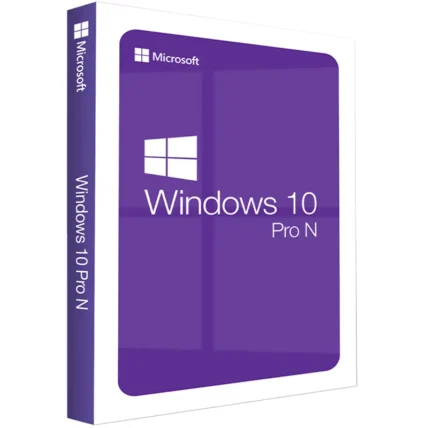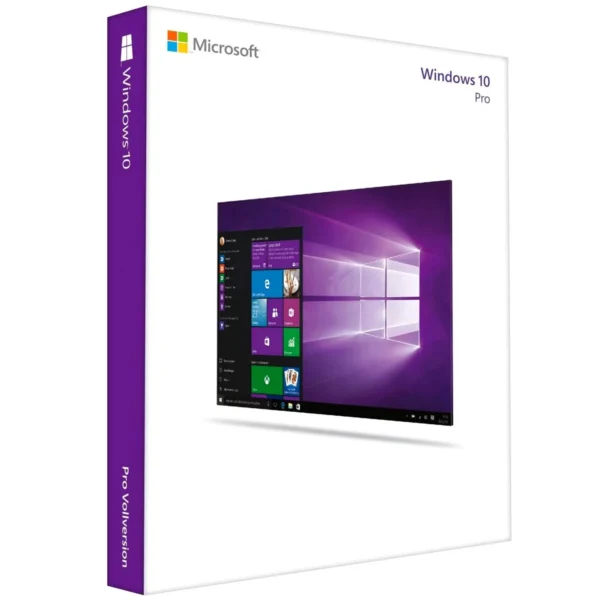
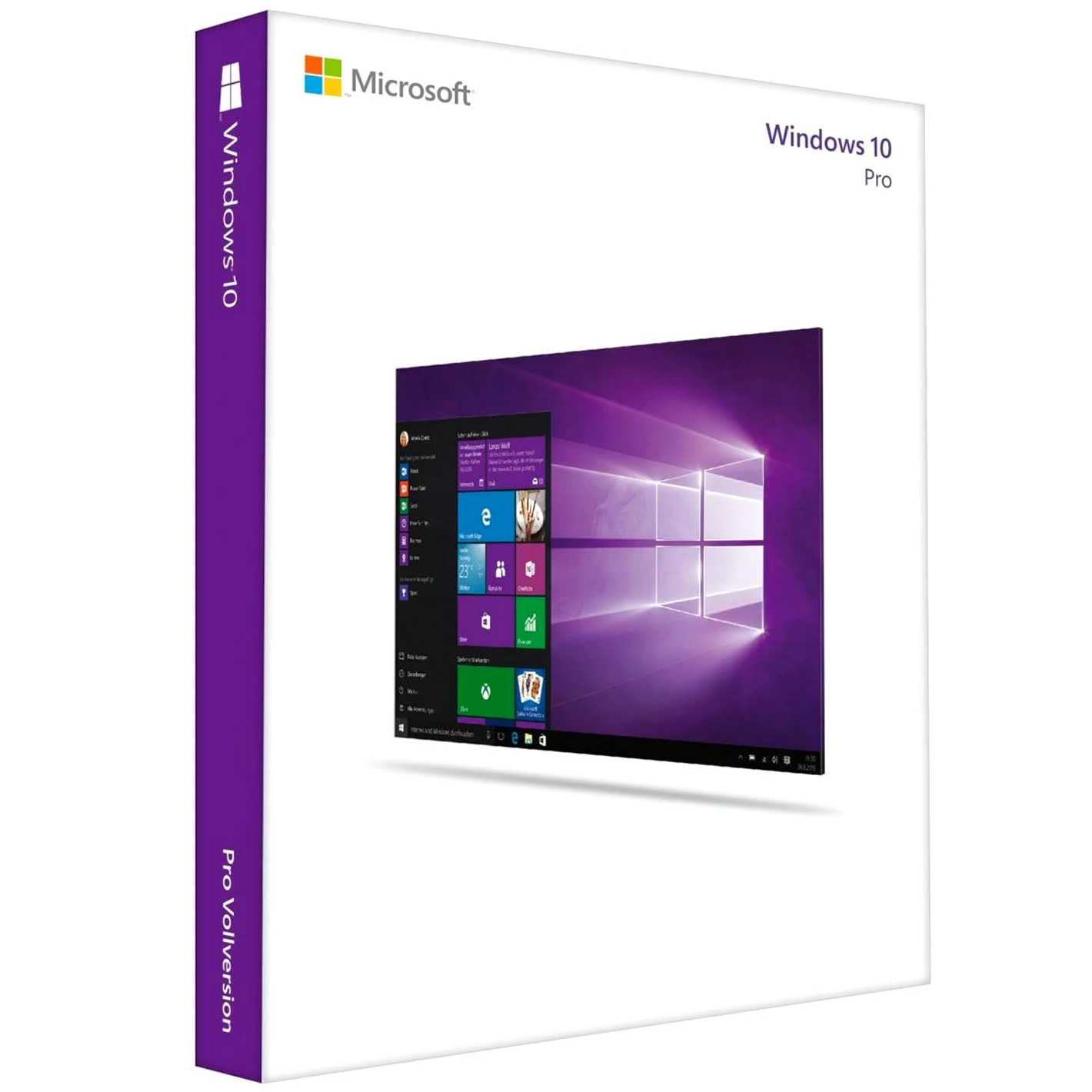

Windows 10 Professional – Digital License
We are a certified Microsoft Partners
Click to verify
Click to verify
Digital license key delivered via email, including a step-by-step guide & download link.

Instant receipt of the product Digital CD key to your Email after purchase. Genuine license key! 12 months warranty. 24/7 technical support.
- Safe and secure payment guaranteed
We are a certified Microsoft Partners
Click to verify
Click to verify
Digital license key delivered via email, including a step-by-step guide & download link.
Instant receipt of the product Digital CD key to your Email after purchase. Genuine license key! 12 months warranty. 24/7 technical support.
| Duration |
Lifetime |
|---|---|
| Devices |
1 PC |
| Activation |
Online |
| Warranty |
1 year |
| Brand |
Microsoft |
- Safe and secure payment guaranteed
Reviews
Real reviews from verified buyers to help you make the best choice.
Fast and reliable! Bought a Microsoft Office 2021, and the process was smooth and quick.
Paul Dean, 🇬🇧
Their service is straightforward, and they deliver what they promise. No frills, just good products and responsive support when needed.
Gail Schloss, 🇨🇦
Super expérience avec Licengo ! Achat de logiciel Microsoft et clé de licence reçue instantanément. Service et support excellents. Je recommande vivement !
Henry tKint, 🇧🇪
Licengo delivers excellent digital products with prompt service and professional communication. Highly reliable partner!
Darrell Carnell, 🇨🇦
I recently purchased Office 2021 Pro Plus from Licengo, and the experience was flawless! The process was quick and simple, and I received my product key within minutes only. Installation was smooth, and the software works perfectly. Great value for money and excellent customer service. Highly recommend!
Sandra, 🇬🇧
Windows 10 Pro License Key
Unlock the full potential of your PC with a Windows 10 Pro key. This version is designed to meet the needs of businesses and professionals, offering a robust set of features that enhance productivity, security, and ease of use. From Remote Desktop access to advanced security with BitLocker, Windows 10 Pro is equipped to handle the demands of a modern workplace.
Main Features of Windows 10 Pro
- Enhanced security with Windows Defender and BitLocker
- Remote Desktop for accessing your PC from anywhere
- Domain Join for streamlined network management
- Hyper-V for powerful virtualization
- Windows Ink for digital note-taking and creativity
- Cortana for voice commands and reminders
- Windows Hello for secure biometric authentication
- Microsoft Edge for faster, safer browsing
Benefits of Using a Windows 10 Pro Key
Windows 10 Pro boosts productivity with faster boot times and improved performance. It offers superior security with built-in antivirus and encryption tools, easy device and network management through Domain Join and Group Policy, and flexibility to work from anywhere with Remote Desktop. Additionally, it supports collaboration through Windows Ink and Cortana, making it an all-in-one solution for business professionals.
Windows 10 vs. Previous Versions
Windows 10 introduces significant improvements over Windows 8.1, bringing back the Start menu with modern updates like live tiles. The integration of Cortana as a virtual assistant and the introduction of the Microsoft Edge browser further enhance usability and performance, making Windows 10 a more user-friendly and feature-rich operating system.
Windows 10 Editions Overview
Windows 10 is available in several editions, each tailored to different needs. The Pro version offers advanced features like BitLocker, Hyper-V, and Remote Desktop, making it ideal for both business and home use. Whether you’re managing a business network or enjoying entertainment at home, Windows 10 Pro delivers the tools and flexibility you need.
How to Purchase and Activate Your Windows 10 Pro Key
Purchasing a Windows 10 Pro key is simple. Visit our online store to buy a genuine key at an affordable price, and receive it instantly via email. We support various payment methods, ensuring a convenient buying experience. Once you have your key, follow the instructions to activate Windows 10 Pro and unlock all its features.
| Duration |
Lifetime |
|---|---|
| Devices |
1 PC |
| Activation |
Online |
| Warranty |
1 year |
| Processor |
1 GHz or faster |
| Memory |
1 GB (32-bit) or 2 GB (64-bit) |
| Hard Disk |
16 GB for 32-bit or 20 GB for 64-bit |
| Graphics Hardware |
DirectX 9 or later |
| Display |
800 x 600 |
| Brand |
Microsoft |
9 reviews for Windows 10 Professional – Digital License
Clear filtersShow only reviews in English (1)
Frequently Asked Questions
How is the Windows 10 Pro Retail license different from the OEM license?
- Retail License: Can be installed on multiple devices (one at a time) and transferred to a new computer if the old one is replaced.
- OEM License: Tied to the original hardware, it cannot be transferred to another device.
Can I upgrade from Windows 10 Home to Windows 10 Pro?
Yes, you can upgrade by purchasing a Windows 10 Pro upgrade license from Microsoft or a certified trusted reseller like Licengo. The upgrade can be activated using the product key provided.
What are the benefits of choosing Windows 10 Pro over the Home edition?
Windows 10 Professional includes advanced features such as:
- BitLocker encryption for enhanced security.
- Remote Desktop access for working from anywhere.
- Group Policy Editor for centralized management.
- Windows Sandbox for testing applications safely.
- Ability to join a domain or Azure Active Directory.
How do I activate Windows 10 Pro?
After installation, go to Settings > Update & Security > Activation and enter your 25-character license key. And there you have your license activated.
Can I use the Windows 10 Pro Retail license on multiple devices?
No, a single retail license is valid for one device at a time. However, it can be transferred to a new device if you deactivate it on the old one.
Do I need an internet connection to activate Windows 10 Pro?
While an internet connection is recommended for activation, you can also activate it via phone by contacting Microsoft Support.
What happens if I lose my Windows 10 Pro product key?
If you purchased the product through Licengo.com, you can retrieve your key from your customer account. Or access the confirmation email or invoice to obtain the product key.
Windows 10 Pro: How to download, install and activate
Option 1: Performing a clean installation
Please proceed with this when you are currently using an older Windows version than Windows 10 or a PC without an operating system
1. Download Windows Media Creation tool directly from Microsoft:
https://www.microsoft.com/en-us/software-download/windows10
2. Run the Media Creation Tool
- Create installation media for another PC
- Select preferred language
- Select Edition: Windows 10 (it includes both, Pro and Home)
- Select architecture (64-bit or 32-bit)
- Select the media you want to create (USB flash drive or ISO file to create a DVD)
3. Perform a clean installation
- Boot from the USB flash drive or the DVD you have created
- Select your language, time, and keyboard preferences
- Enter product key provided by us
- Installation type: Custom: Install Windows only (advanced)
- Remove all partitions and create a new one to install Windows
- Proceed and perfrom the installation
Option 2: Upgrading from Windows 10 Home to Pro
Please proceed with this when you are currently using Windows 10 Home and want to upgrade to Pro
1. Press the “Windows key” + “R”, type “slui.exe” and hit “Enter”
2. Enter your Windows 10 Pro product key. If it’s not accepted, apply the default product key: “VK7JG-NPHTM-C97JM-9MPGT-3V66T”
If error code “0x800f0805” appears after applying the default product key, please make sure that you have at least 20 GB of free disc space and that Windows is updated to it’s latest version. If those two points apply to you, it is obvious that some important system files are missing. In that case it is necessary to perform a clean installation (see Option 1).
3. Go to “System” – “About” and “Change product key” (Click “Yes”, if User Account Control comes up)
4. Enter your Windows 10 Pro product key and make sure all open applications are closed and your work is saved, then start the upgrade.
Wait while the upgrade process kicks off – your computer will be restarted several times throughout this process. The amount of time the upgrade takes will vary between systems. But in our experience, it only takes 5 to 10 minutes.
Related Products
Windows 11 Professional – Digital License
Windows 11 Home – Digital License
Windows 11 Enterprise – Digital License
Windows 11 Pro For Workstation
How It work
Follow these quick and easy steps to purchase, download, and activate your software hassle-free.
Buy Securely at Licengo.com
Purchase your product safely with SSL encryption at competitive prices.
1.
Receive Your License Key via Email
We will send you the activation key and detailed download instructions to your email.
2.
Download Your Original Software
Easily download your original software using the provided instructions.
3.
Activate Your Lifetime License
Enjoy lifetime access to your software with the license key purchased from Licengo.com.
4.
Competitive Prices
We offer the best prices in the market, get genuine products at discounted prices.
Customer Support
Our human support available to help you resolve any incident as quickly as possible.
We Deliver Instantly
After receiving payment, product are delivered instantly, some products may take a few hours.
Refund Guarantee
If we are not satisfied with the quality or fail to deliver the product, we will refund you.

Thijs (verified owner) –
Super service, geen problemen ondervonden.
Store manager admin –
Jouw erkenning betekent de wereld voor ons bij Licengo. Bedankt voor het delen van je ervaring!
Águeda (verified owner) –
Todo salió bien, la compra fue sencilla y rápida.
Store manager admin –
¡Tu reseña positiva es un gran impulso para el equipo de Licengo! Gracias por elegirnos.
Yolanda (verified owner) –
No tengo queja alguna, todo salió perfecto.
Store manager admin –
Tu satisfacción es nuestra máxima prioridad en Licengo, ¡y estamos muy contentos de ver tu reseña de 5 estrellas!