
Our customers say Excellent 4.5 out of 5 en based on
Excellent 4.5 on

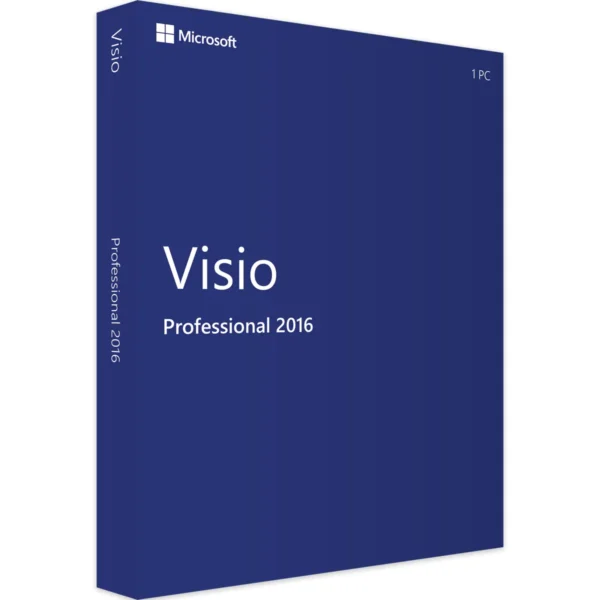
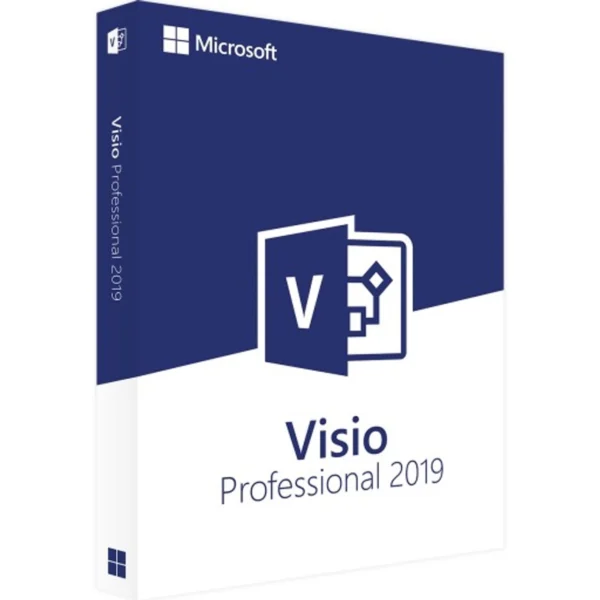
Microsoft Visio 2019 Professional

(3 customer reviews)

Original price was: £49.99.Current price is: £15.49.

20 People watching this product now!

We are a certified Microsoft Partners
Click to verify

Digital license key delivered via email, including a step-by-step guide & download link.

Boost your productivity with Microsoft Visio Professional 2019. Create detailed diagrams, flowcharts, and charts using advanced tools. Visio Professional 2019 offers seamless integration with other Microsoft tools, real-time collaboration, and enhanced AutoCAD support. Ideal for businesses, Microsoft Visio 2019 Professional simplifies complex data and processes, making it essential for effective communication and project management.

Original price was: £49.99.Current price is: £15.49.

20 People watching this product now!

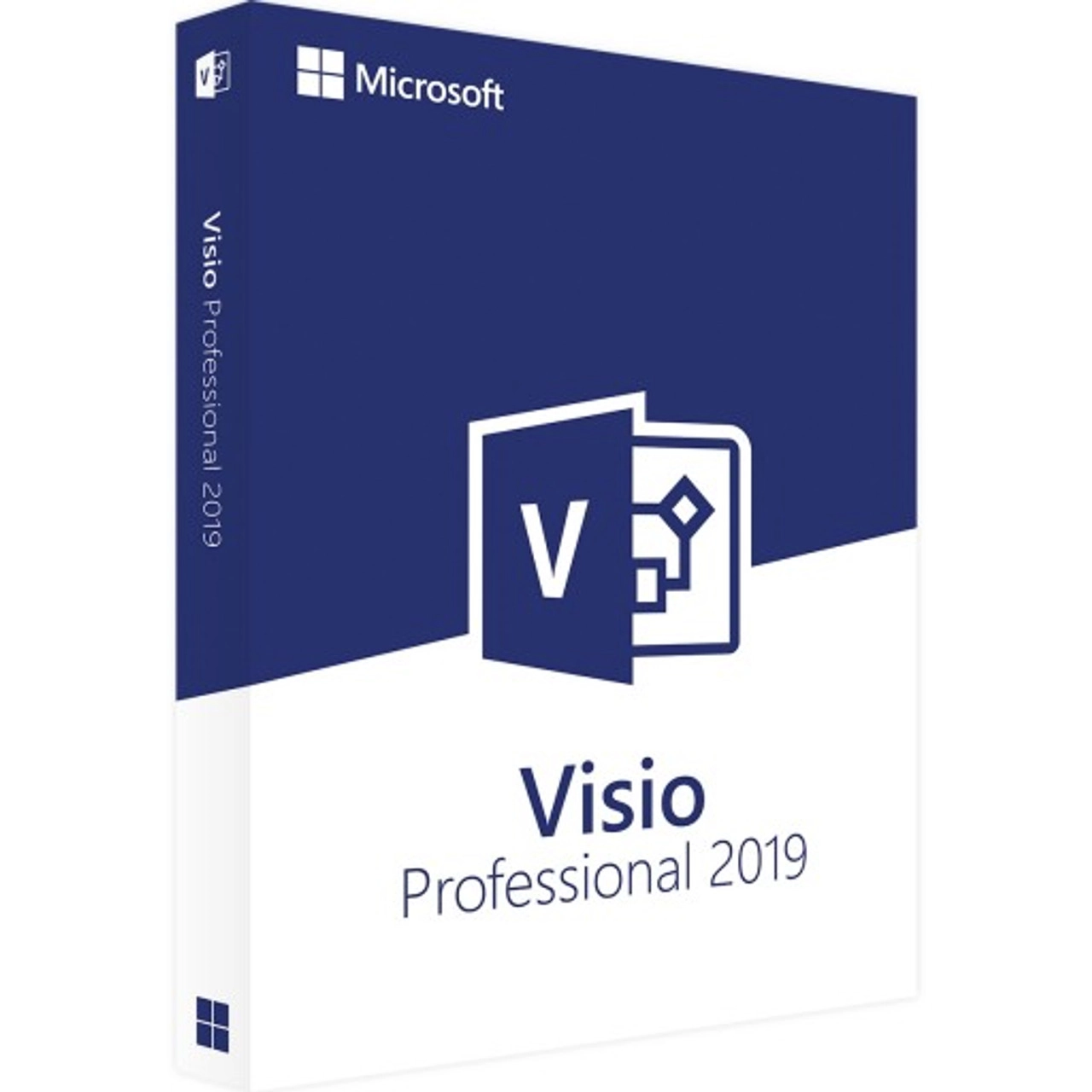
Microsoft Visio 2019 Professional

(3 customer reviews)
Visio Professional 2021
Microsoft Visio 2021 Professional Original price was: £59.49.Current price is: £25.99.
Back to products

Original price was: £49.99.Current price is: £15.49.

We are a certified Microsoft Partners
Click to verify

Digital license key delivered via email, including a step-by-step guide & download link.
13 People watching this product now!

Boost your productivity with Microsoft Visio Professional 2019. Create detailed diagrams, flowcharts, and charts using advanced tools. Visio Professional 2019 offers seamless integration with other Microsoft tools, real-time collaboration, and enhanced AutoCAD support. Ideal for businesses, Microsoft Visio 2019 Professional simplifies complex data and processes, making it essential for effective communication and project management.

Duration

Lifetime

Devices

1 PC

Activation

Online

Warranty

1 year

Brand

Microsoft

SKU: 7354365834 Categories: ,

Reviews

Real reviews from verified buyers to help you make the best choice.

Description

Microsoft Visio 2019 Professional

Microsoft Visio 2019 Professional helps departments across a company create a wide range of diagrams, including process flows, organization charts, and floor plans. It supports industry standards like UML 2.5 and BPMN 2.0, making it versatile for outlining both company structures and project plans.

Users benefit from familiar features from previous versions, along with enhanced shapes and additional tools. Teamwork and collaboration have been greatly improved, making it highly advantageous across various work areas.

Purchase Visio 2019 for Easy Diagram Creation

Visio 2019 Professional offers many new templates to simplify starting projects. It includes templates for website and software development, brainstorming, and SDL diagrams. With web-based sharing, users can easily distribute data over the Internet and save files as PDFs.

Visio 2019 automatically updates data in real-time, so stakeholders always have the latest information. The user-friendly interface is similar to Microsoft Office, ensuring quick navigation for efficient project management.

Take Advantage of These Features

  • Simultaneous editing by team members
  • Real-time status displays
  • Support for multiple data sources
  • Data-driven diagram generation
  • Creation of wireframe diagrams
  • New UML tools and improved AutoCAD support

The new Draw feature lets users annotate diagrams easily, especially on touch devices. You can rearrange elements or apply colors effortlessly. Visio 2019 also integrates with other Office programs, allowing for the seamless import of data from Excel, Word, and PowerPoint. Additionally, Skype integration allows for video or voice calls, making collaboration easier.

Improved AutoCAD Support in Visio 2019

Visio 2019 enhances the integration of CAD drawings. Users can now import and scale AutoCAD files more efficiently, speeding up processing times and ensuring smoother overlays of shapes.

Users can also create custom shapes and add them to the Favorites template for easy access. These shapes are labeled as Master Shapes in the stencil, which can be dragged onto a drawing sheet to create copies as needed.

Hardware requirements
Duration

Lifetime

Devices

1 PC

Activation

Online

Warranty

1 year

Operating System

Windows 10

,

Windows 11

,

Windows 7 SP1

,

Windows 8.x

,

Windows Server 2008 R2

,

Windows Server 2012

,

Windows Server 2012 R2

,

Windows Server 2019

Processor

1 GHz or faster

Memory

1 GB (32-bit) or 2 GB (64-bit)

Hard Disk

3.0 GB of available disk space

Display

1280 x 800

Graphics Hardware

DirectX 10

Brand

Microsoft

Reviews (3)
5
3 reviews
10
0
0
0
0

3 reviews for Microsoft Visio 2019 Professional

Clear filters
  1. pearl (verified owner)

    easy to buy, fast delivery, all good

    • Store manager admin

      We’re thrilled you enjoyed your experience! Licengo is here to keep delivering quality service.

  2. Esther (verified owner)

    Easy to use website and the key worked fine. Thanks!

    • Store manager admin

      Thank you so much for your 5-star review! The Licengo team is thrilled to hear this feedback and will keep up the great work.

  3. patrick (verified owner)

    no issues, worked as expected

    • Store manager admin

      Thanks for your kind words! The Licengo team is encouraged to keep delivering excellence.

Show reviews in all languages (10)

Add a review

Your email address will not be published. Required fields are marked *

FAQs

Frequently Asked Questions

What are the system requirements for Visio 2019 Pro?

Operating System: Windows 10, Windows Server 2016, or later Processor: 1.6 GHz or faster, 64-bit processor RAM: 4 GB or more Hard Disk: 4 GB of available disk space Display: 1280 x 768 screen resolution Other: Microsoft account and Internet access required for activation

How can I purchase Visio 2019 Pro?

Visio 2019 Pro can be purchased directly from the Microsoft Store, authorized resellers, or through a volume licensing program. You can choose between a one-time purchase or subscription option.

What are the key features of Visio 2019 Pro?

Professional templates and shapes for various diagram types Enhanced collaboration tools for real-time sharing and editing Integration with Microsoft Office apps and services like Excel and Teams Advanced data visualization tools for linking diagrams with external data sources Improved usability with enhanced tools for easier diagram creation

Can I install Visio 2019 Pro on multiple devices?

Visio 2019 Pro can be installed on one device per license. For installation on additional devices, you will need to purchase separate licenses.

Does Visio 2019 Pro support cloud integration?

Yes, Visio 2019 Pro allows cloud integration with OneDrive and SharePoint, making it easier to store and collaborate on diagrams in real time.

How do I update Visio 2019 Pro?

Updates for Visio 2019 Pro can be downloaded directly from Microsoft via Windows Update or manually from the Microsoft website, depending on your update settings.

Is Visio 2019 Pro compatible with previous versions of Visio?

Visio 2019 Pro is compatible with files created in earlier versions of Visio. However, some features or formatting may not be supported in older versions.

Can I use Visio 2019 Pro for personal projects?

Yes, Visio 2019 Pro is suitable for both business and personal projects. It offers advanced diagramming tools that can be used for various creative and organizational purposes.

Where can I find help or support for Visio 2019 Pro?

You can access support for Visio 2019 Pro on the Microsoft support website, or you can seek help directly from Microsoft customer service.

Installation Guide

Follow these steps to download, install, and activate Visio 2019 Professional successfully on your computer:

1. Visit Microsoft’s Website

Go to setup.office.com.

2. Sign In or Create a Microsoft Account

Create a new Microsoft account or sign in to your existing one.

3. Enter Your Product Key

Enter the product key provided by us.

4. Download and Install

Download and install Microsoft Visio 2019 Professional.

Important: Ensure you follow each step accurately for a smooth installation and activation process.

How It work

Follow these quick and easy steps to purchase, download, and activate your software hassle-free.

Buy Securely at Licengo.com

Purchase your product safely with SSL encryption at competitive prices.

1.

Receive Your License Key via Email

We will send you the activation key and detailed download instructions to your email.

2.

Download Your Original Software

Easily download your original software using the provided instructions.

3.

Activate Your Lifetime License

Enjoy lifetime access to your software with the license key purchased from Licengo.com.

4.

Competitive Prices

We offer the best prices in the market, get genuine products at discounted prices.

Customer Support

Our human support available to help you resolve any incident as quickly as possible.

We Deliver Instantly

After receiving payment, product are delivered instantly, some products may take a few hours.

Refund Guarantee

If we are not satisfied with the quality or fail to deliver the product, we will refund you.