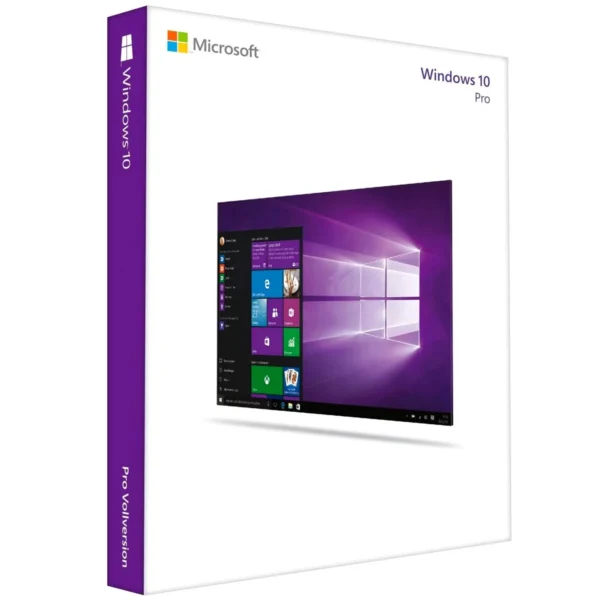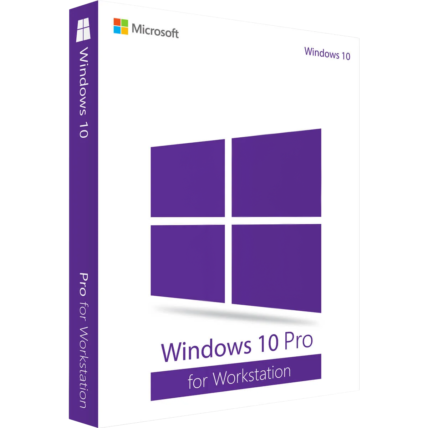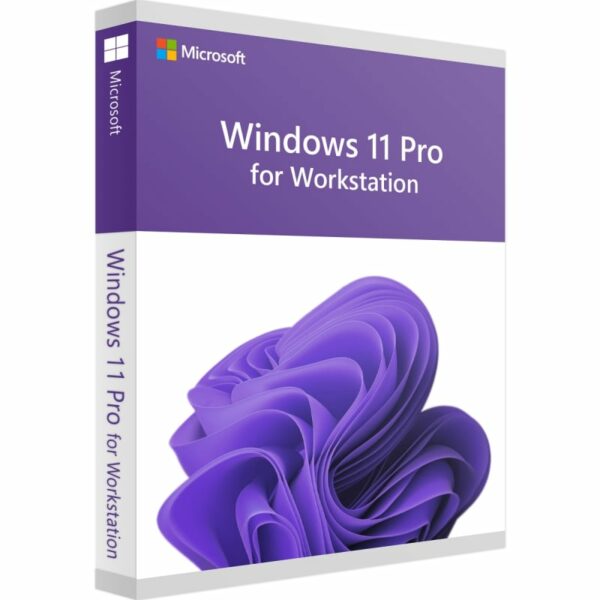
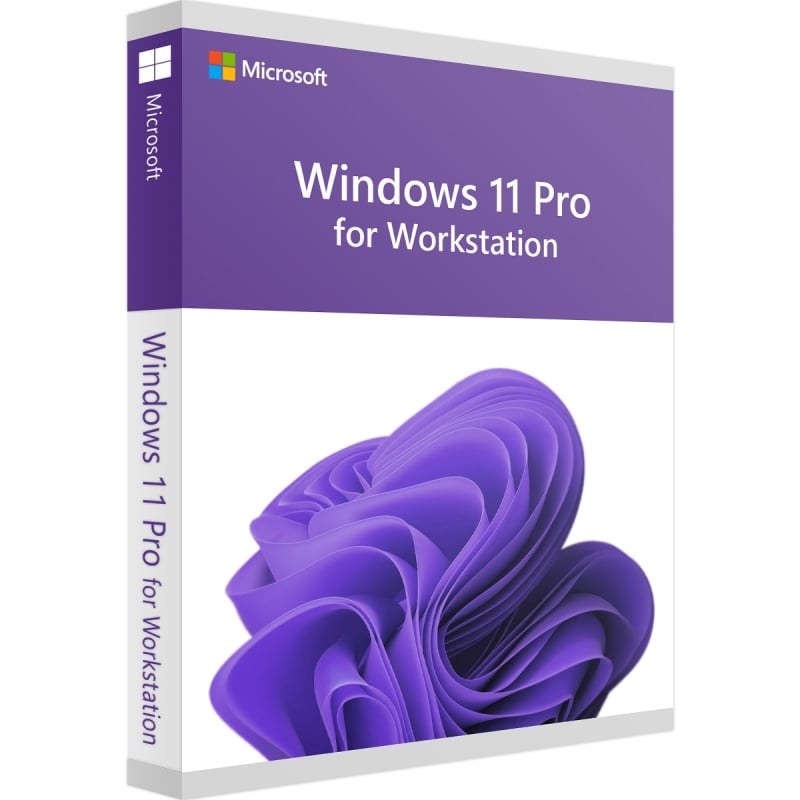

Windows 11 Pro For Workstation
We are a certified Microsoft Partners
Click to verify
Click to verify
Digital license key delivered via email, including a step-by-step guide & download link.

Buy Windows 11 Pro For Workstation License key for affordable price with our instant delivery, Direct Download Link.
- Safe and secure payment guaranteed
We are a certified Microsoft Partners
Click to verify
Click to verify
Digital license key delivered via email, including a step-by-step guide & download link.
Buy Windows 11 Pro For Workstation License key for affordable price with our instant delivery, Direct Download Link.
| Duration |
Lifetime |
|---|---|
| Devices |
1 PC |
| Activation |
Online |
| Warranty |
1 year |
| Brand |
Microsoft |
- Safe and secure payment guaranteed
Reviews
Real reviews from verified buyers to help you make the best choice.
Fast and reliable! Bought a Microsoft Office 2021, and the process was smooth and quick.
Paul Dean, 🇬🇧
Their service is straightforward, and they deliver what they promise. No frills, just good products and responsive support when needed.
Gail Schloss, 🇨🇦
Super expérience avec Licengo ! Achat de logiciel Microsoft et clé de licence reçue instantanément. Service et support excellents. Je recommande vivement !
Henry tKint, 🇧🇪
Licengo delivers excellent digital products with prompt service and professional communication. Highly reliable partner!
Darrell Carnell, 🇨🇦
I recently purchased Office 2021 Pro Plus from Licengo, and the experience was flawless! The process was quick and simple, and I received my product key within minutes only. Installation was smooth, and the software works perfectly. Great value for money and excellent customer service. Highly recommend!
Sandra, 🇬🇧
Windows 11 Pro For Workstation
This operating system encompasses all the functionality of the standard “Pro” version of Windows 11 but includes advanced features tailored for high-performance computers, making it suitable for intensive work tasks. It supports a broader range of hardware capabilities, including:
- Up to 6 TB of RAM (RAM) support, including NVDIMM RAM.
- Capability to work with 4 processors on a single motherboard.
Windows 11 Pro for Workstation supports the ReFS file system.
Features of the ReFS (Resilient File System) compared to NTFS (New Technology File System):
| Feature | ReFS | NTFS |
|---|---|---|
| Maximum file size | 18.3 exabytes | 16 terabytes |
| Maximum disk size | 402 exabytes | 18.4 exabytes |
| Maximum characters in file name | 32,767 | 255 |
ReFS offers significant enhancements in file size and disk size limits compared to NTFS, making it suitable for managing extremely large-scale data and workloads.
Features of Windows 11 Pro for Workstation
- This OS can work with a maximum of 4 processors and 6 TB RAM.
- Support for RAM up to 6 TB.
- Support for 4 processors on one motherboard.
- ReFS file system support.
- The ability to work with SMB Direct, this is support for RDMA network adapters (with remote direct access to RAM).
- Support for NVDIMM / NVDIMM-N RAM modules.
- Microsoft support period is 2 years.
| Duration |
Lifetime |
|---|---|
| Devices |
1 PC |
| Activation |
Online |
| Warranty |
1 year |
| Processor |
1 GHz or faster |
| Memory |
4 GB RAM |
| Hard Disk |
64 GB of available disk space |
| Graphics Hardware |
DirectX 12 or later |
| Firmware |
UEFI, Secure Boot capable |
| TPM |
2.0 |
| Brand |
Microsoft |
3 reviews for Windows 11 Pro For Workstation
Clear filtersShow reviews in all languages (12)
Frequently Asked Questions
What is the difference between Windows 11 Pro and 11 Pro for Workstations?
Windows 11 Pro for Workstations offers all the features of Windows 11 Pro, along with specialized performance improvements designed to boost your business. It supports Non-Volatile Memory Modules (NVDIMM-N) hardware, ensuring that even the most resource-intensive applications run smoothly.
What are the requirements for Windows 11 Pro for workstation?
- Processor: 1 GHz or faster with two or more cores on a compatible 64-bit processor or system on a chip (SoC).
- Memory: 4 GB or more.
- Storage: 64 GB or more of available disk space. Additional storage may be required for future updates and specific features.
How do I activate Windows 11 Pro for workstation?
To activate Windows 11 Pro for workstation, you can enter a valid product key during the installation or activation process.
Related Products
Windows 11 Enterprise – Digital License
How It work
Follow these quick and easy steps to purchase, download, and activate your software hassle-free.
Buy Securely at Licengo.com
Purchase your product safely with SSL encryption at competitive prices.
1.
Receive Your License Key via Email
We will send you the activation key and detailed download instructions to your email.
2.
Download Your Original Software
Easily download your original software using the provided instructions.
3.
Activate Your Lifetime License
Enjoy lifetime access to your software with the license key purchased from Licengo.com.
4.
Competitive Prices
We offer the best prices in the market, get genuine products at discounted prices.
Customer Support
Our human support available to help you resolve any incident as quickly as possible.
We Deliver Instantly
After receiving payment, product are delivered instantly, some products may take a few hours.
Refund Guarantee
If we are not satisfied with the quality or fail to deliver the product, we will refund you.

johnny (verified owner) –
key was delivered fast and worked without any problems
Store manager admin –
Your words have truly brightened our day at Licengo! Thank you for your wonderful review.
timothy (verified owner) –
everything worked fine, thank you!
Store manager admin –
Your feedback is invaluable to us at Licengo. Thanks for sharing your positive experience!
noel (verified owner) –
Happy with the purchase, everything was as described.
Store manager admin –
We’re over the moon about your feedback! Thanks for choosing Licengo and giving us a 5-star rating.