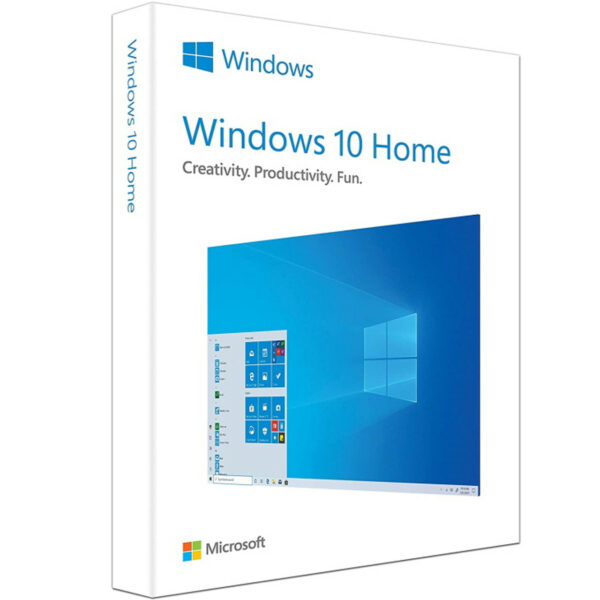

Windows 10 Home – Digital License
We are a certified Microsoft Partners
Click to verify
Click to verify
Digital license key delivered via email, including a step-by-step guide & download link.

Buy digital product CD key Windows 10 Home. If you find it cheaper, we will make a discount. Instant receipt of the key to your Email after purchase. License key!
- Safe and secure payment guaranteed
We are a certified Microsoft Partners
Click to verify
Click to verify
Digital license key delivered via email, including a step-by-step guide & download link.
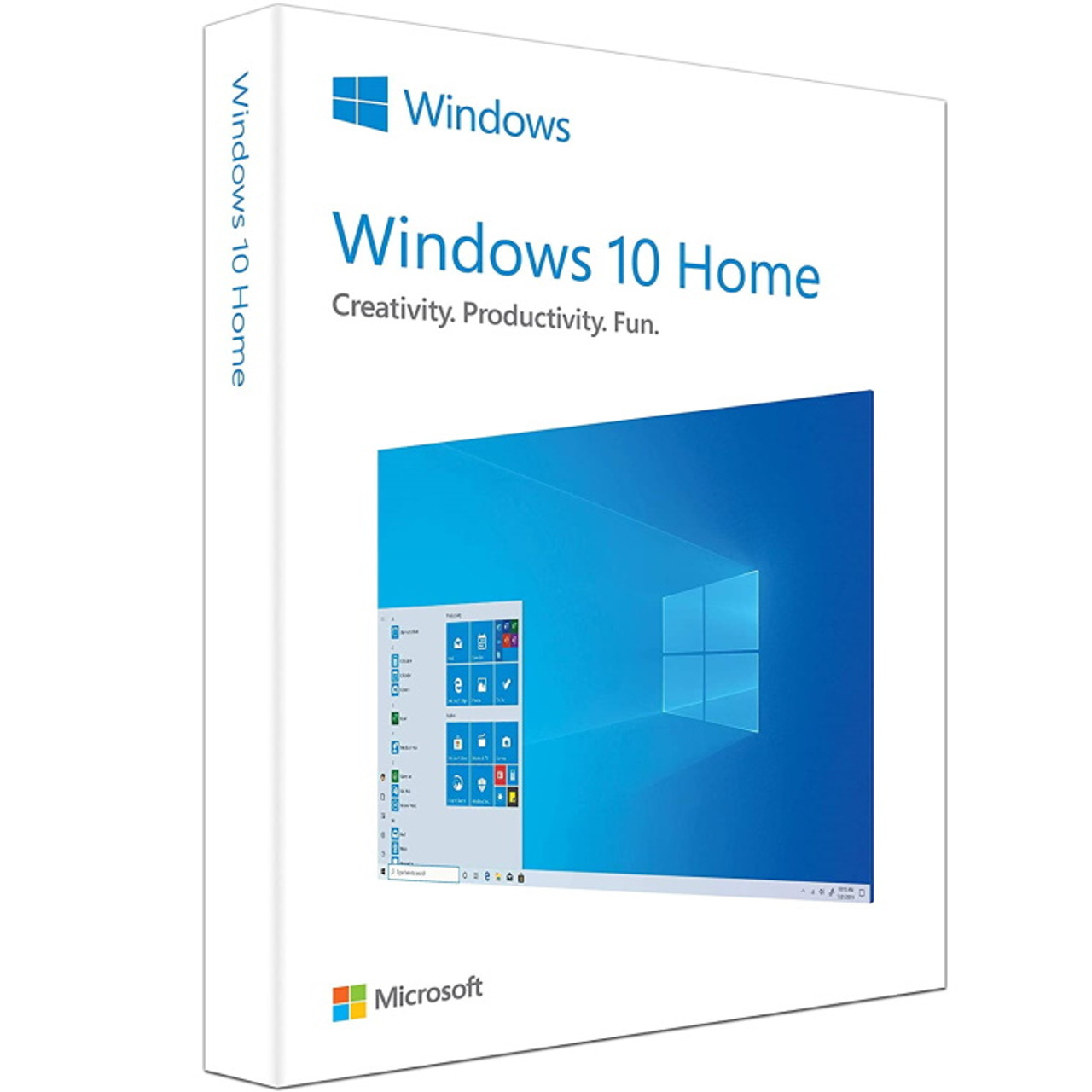
Buy digital product CD key Windows 10 Home. If you find it cheaper, we will make a discount. Instant receipt of the key to your Email after purchase. License key!
| Duration |
Lifetime |
|---|---|
| Devices |
1 PC |
| Activation |
Online |
| Warranty |
1 year |
| Brand |
Microsoft |
- Safe and secure payment guaranteed
Reviews
Real reviews from verified buyers to help you make the best choice.
Fast and reliable! Bought a Microsoft Office 2021, and the process was smooth and quick.
Paul Dean, 🇬🇧
Their service is straightforward, and they deliver what they promise. No frills, just good products and responsive support when needed.
Gail Schloss, 🇨🇦
Super expérience avec Licengo ! Achat de logiciel Microsoft et clé de licence reçue instantanément. Service et support excellents. Je recommande vivement !
Henry tKint, 🇧🇪
Licengo delivers excellent digital products with prompt service and professional communication. Highly reliable partner!
Darrell Carnell, 🇨🇦
I recently purchased Office 2021 Pro Plus from Licengo, and the experience was flawless! The process was quick and simple, and I received my product key within minutes only. Installation was smooth, and the software works perfectly. Great value for money and excellent customer service. Highly recommend!
Sandra, 🇬🇧
Windows 10 Home is the ideal choice for a personal home computer. Tailored by Microsoft specifically for home use, this operating system offers a comprehensive range of tools designed to tackle everyday tasks effortlessly.
Features of Windows 10 Home:
- User-friendly Start Menu
- Microsoft Edge web browser
- Cortana digital assistant
- Windows Hello for secure logins
- Universal Windows app compatibility
- Virtual desktops for multitasking
- DirectX 12 for enhanced gaming experience
- Continuum mode for seamless transition between devices
What Makes Microsoft Windows 10 Exceptional?
Microsoft Windows 10 offers unparalleled convenience whether considering Windows 10 Home or other editions. This versatility makes it an excellent choice for both personal and professional use. The operating system integrates numerous new features while maintaining a well-structured system foundation.
With its intuitive division into different workspaces, Microsoft Windows 10 allows users to tailor the system precisely to their needs for optimal professional implementation. Enhanced by the sophisticated Cortana digital assistant, Windows 10 provides immediate support, answering important user queries swiftly. These advancements collectively make Windows 10 significantly more powerful compared to its predecessors.
Software Compatibility with Microsoft Windows 10
When considering Microsoft Windows 10, compatibility with existing software is usually seamless. Most software products integrate well with the new interface and extensive application functionalities. In cases where issues arise despite these improvements, the integrated compatibility mode offers a solution. This allows users to select an older version of Microsoft Windows as needed to ensure smooth compatibility.
The updated update system further enhances user and application friendliness by introducing new features and improvements. This benefits traditional control elements and enhances security applications such as the Security Center and Windows Defender.
| Duration |
Lifetime |
|---|---|
| Devices |
1 PC |
| Activation |
Online |
| Warranty |
1 year |
| Processor |
1 GHz or faster |
| Memory |
1 GB (32-bit) or 2 GB (64-bit) |
| Hard Disk |
16 GB for 32-bit or 20 GB for 64-bit |
| Graphics Hardware |
DirectX 9 or later |
| Display |
800 x 600 |
| Brand |
Microsoft |
9 reviews for Windows 10 Home – Digital License
Clear filtersShow only reviews in English (1)
Frequently Asked Questions
What is the difference between Windows 10 Home Retail and OEM?
Retail versions can be transferred to a new PC, while OEM versions are tied to the first device they are installed on.
Is a Retail license valid for multiple PCs?
No, a Retail license is valid for one PC at a time, but it can be transferred to a new PC if needed.
Where can I buy Windows 10 Home Retail ?
It can be purchased from official Microsoft stores, or authorized retailers, like Licengo.com.
How do I activate Windows 10 Home Retail ?
After installation, you can activate it by entering the product key during setup or through the Activation settings.
Does Windows 10 Home Retail include regular updates?
Yes, it includes all security updates and feature updates provided by Microsoft.
Can I use Windows 10 Home for gaming?
Yes, Windows 10 Home supports gaming and includes features like Xbox integration and Game Mode.
Is technical support included with Windows 10 Home Retail ?
Yes, Retail licenses often come with customer support for troubleshooting and queries.
Please proceed with this when you are currently using an older Windows version than Windows 10 or a PC without an operating system.
- Download Windows Media Creation Tool: Download the Media Creation Tool directly from Microsoft here.
-
Run the Media Creation Tool:
- Create installation media for another PC.
- Select preferred language.
- Select Edition: Windows 10 (it includes both, Pro and Home).
- Select architecture (64-bit or 32-bit).
- Select the media you want to create (USB flash drive or ISO file to create a DVD).
-
Perform a Clean Installation:
- Boot from the USB flash drive or the DVD you have created.
- Select your language, time, and keyboard preferences.
- Enter the product key provided by us.
- Installation type: Custom: Install Windows only (advanced).
- Remove all partitions and create a new one to install Windows.
- Proceed and perform the installation.
Important: Make sure to back up your data before performing a clean installation, as it will erase all data on the partitions.
Related Products
Windows 11 Professional – Digital License
Windows 11 Enterprise – Digital License
Windows 11 Pro For Workstation
How It work
Follow these quick and easy steps to purchase, download, and activate your software hassle-free.
Buy Securely at Licengo.com
Purchase your product safely with SSL encryption at competitive prices.
1.
Receive Your License Key via Email
We will send you the activation key and detailed download instructions to your email.
2.
Download Your Original Software
Easily download your original software using the provided instructions.
3.
Activate Your Lifetime License
Enjoy lifetime access to your software with the license key purchased from Licengo.com.
4.
Competitive Prices
We offer the best prices in the market, get genuine products at discounted prices.
Customer Support
Our human support available to help you resolve any incident as quickly as possible.
We Deliver Instantly
After receiving payment, product are delivered instantly, some products may take a few hours.
Refund Guarantee
If we are not satisfied with the quality or fail to deliver the product, we will refund you.

Antje (verified owner) –
bin sehr glücklich mit dem Kauf, danke!
Store manager admin –
Ihre Zufriedenheit hat bei Licengo oberste Priorität, und wir freuen uns sehr über Ihre 5-Sterne-Bewertung!
Fred (verified owner) –
Simpel proces en direct de licentie in huis, top!
Store manager admin –
We zijn zo dankbaar voor je 5-sterren beoordeling! Het team van Licengo is toegewijd aan jouw tevredenheid.
Lydia (verified owner) –
Geen problemen, alles ging zoals verwacht.
Store manager admin –
Jouw positieve review is een grote stimulans voor het team van Licengo! Bedankt dat je voor ons hebt gekozen.