









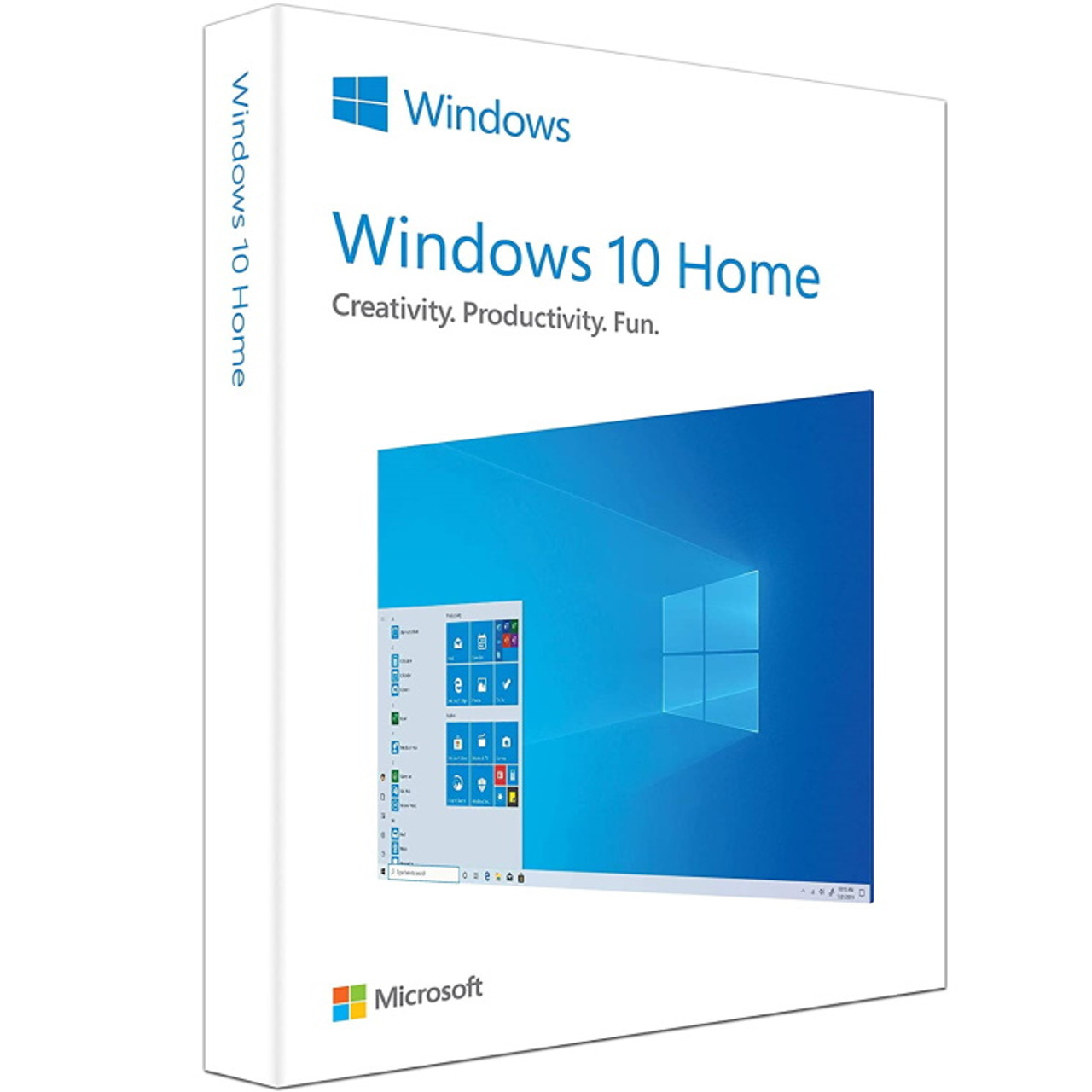
Windows 10 Home – How to download, install and activate?
Please proceed with this when you are currently using an older Windows version than Windows 10 or a PC without an operating system.
- Download Windows Media Creation Tool: Download the Media Creation Tool directly from Microsoft here.
-
Run the Media Creation Tool:
- Create installation media for another PC.
- Select preferred language.
- Select Edition: Windows 10 (it includes both, Pro and Home).
- Select architecture (64-bit or 32-bit).
- Select the media you want to create (USB flash drive or ISO file to create a DVD).
-
Perform a Clean Installation:
- Boot from the USB flash drive or the DVD you have created.
- Select your language, time, and keyboard preferences.
- Enter the product key provided by us.
- Installation type: Custom: Install Windows only (advanced).
- Remove all partitions and create a new one to install Windows.
- Proceed and perform the installation.
Important: Make sure to back up your data before performing a clean installation, as it will erase all data on the partitions.
System requirements
| Hard Disk | 16 GB for 32-bit or 20 GB for 64-bit |
|---|---|
| Memory | 1 GB (32-bit) or 2 GB (64-bit) |
| Processor | 1 GHz or faster |
| Display | 800 x 600 |
| Graphics Hardware | DirectX 9 or later |
Download center

Original softwares checked for viruses
Get your licence today
Rated 4.89 out of 5 based on 9 customer ratings
(1 customer review)
£13.20


