









Microsoft Office 2021 Home and Business for Mac – How to download, install and activate?
Office 2021 for Mac – General Information
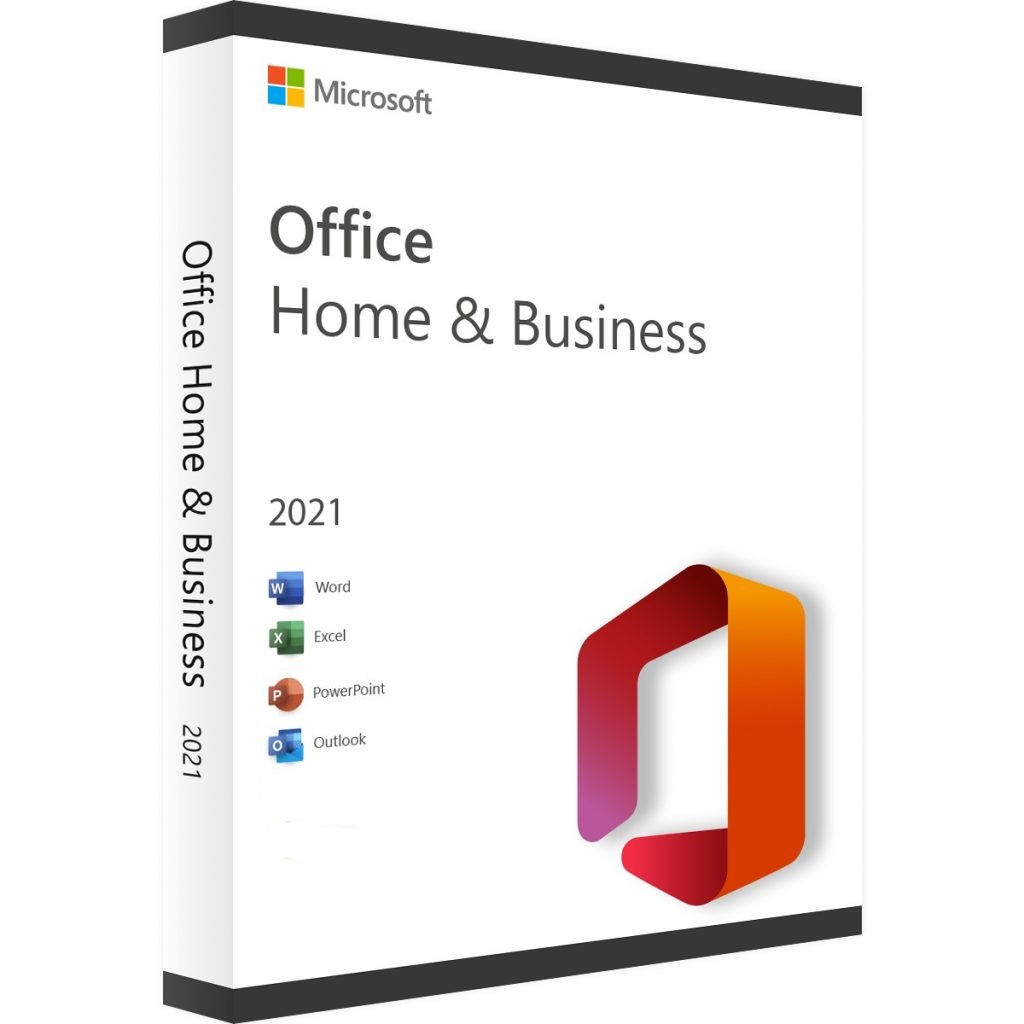
Microsoft Office 2021 for Home & Business is a suite of essential tools that you need to work effectively. Office 2021 for Home & Small Business is designed for families and small businesses who want to use classic Office applications and access email. It includes Word, Excel, PowerPoint, and Outlook for macOS with a one-time purchase dedicated to 1 Apple Mac for home or work use.
Before you proceed with the installation, check the hardware requirements. Microsoft Office 2021 Home & Business for Mac requires:
- 1.6 GHz or faster processor
- 4 GB RAM for 64-bit operating systems
- 2 GB RAM for 32-bit operating systems
- 10 GB free hard drive space
- Mac OS Extended or APFS format
- Minimum screen resolution 1280×800 pixels
You can also find more information on microsoft website: aka.ms/systemrequirements.
Please note that to install the software you also need a Microsoft account and access to the Internet.
Microsoft Office 2021 for Mac – How to Download and Install It?
Please follow these steps to download, install, and activate Microsoft Office 2021 Home and Business for Mac successfully on your computer:
- Go to Microsoft’s website: setup.office.com
- Create a new Microsoft account or sign in to your existing one.
- Enter the product key provided by us.
- Download and install your product.
If you don’t have a product key, you can get it from here at affordable price.
When the download is complete, go to Downloads on your Mac and double-click the Microsoft Office installer.pkg file (the name may vary slightly). In the next step, read the software license agreement and then click “Continue”. Next, select how to install Microsoft Office for Mac, review the disk space requirements (change the installation location if necessary), and then click “Install”. You may also be prompted to enter your Mac login password – this is standard procedure.
REMEMBER: If you want to install only specific Microsoft Office 2021 Home and Business applications and not the entire package, click “Customize” and uncheck the programs you don’t want. Office applications include Word, Excel, PowerPoint, and Outlook, among others. If you don’t need them all, choose only the most important ones to avoid overloading your computer and slowing it down.
System requirements
| Operating System | macOS Big Sur, macOS Catalina, macOS Monterey, macOS Sonoma, macOS Ventura, Newest +14.0 macOS |
|---|---|
| Hard Disk | 10 GB of available disk space |
| Memory | 4 GB RAM |
| Processor | 2.0 GHz or faster, 2-core |
| Display | 1280 x 800 |
| Graphics Hardware | DirectX 10 |
Download center

Get your licence today
£196.12 Original price was: £196.12.£79.99Current price is: £79.99.


