









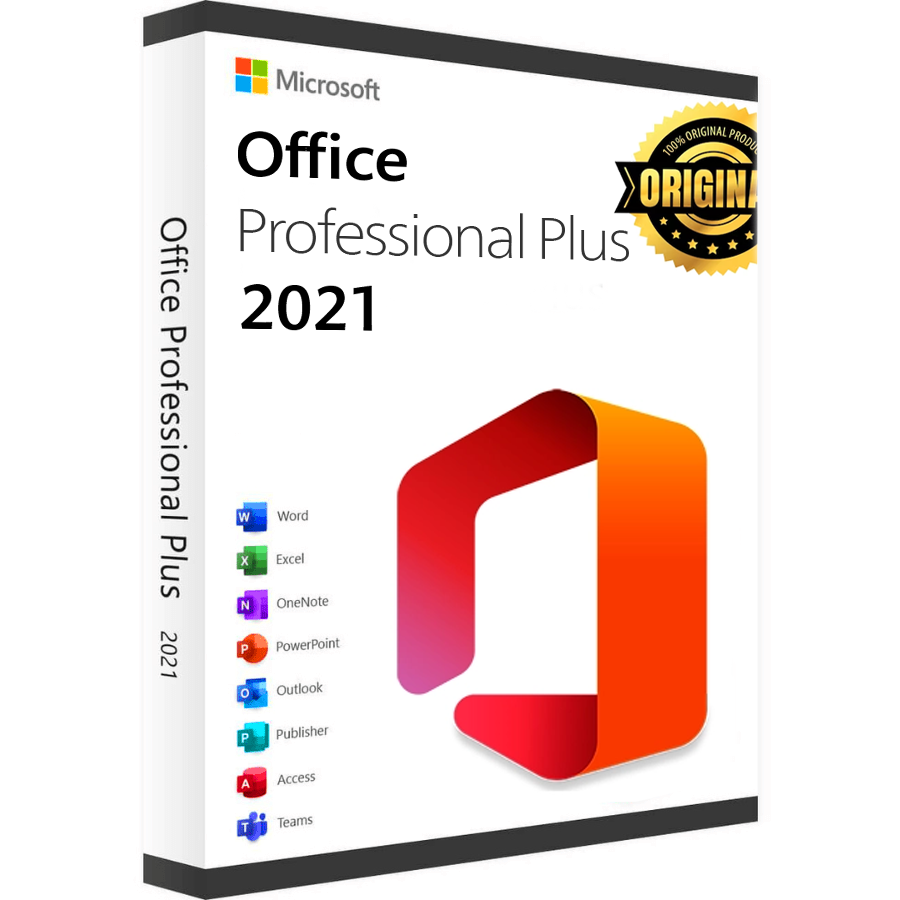
Microsoft Office 2021 Professional Plus – How to Download, Install, and Activate?

Step 1: Download

Download the virtual DVD of Microsoft Office 2021 Professional Plus directly from Microsoft’s servers by choosing your preferred language and clicking the download button.

In some cases, you might receive a security message from your browser when trying to download the file (depending on your security settings). You can accept the message without any concerns because it’s a direct link to Microsoft’s Content Delivery Network (officecdn.microsoft.com).

Step 2: Installation

After successfully downloading, please go to the download folder, double-click the downloaded file, and the setup will start automatically.

  • Normally, Windows 10 or 11 automatically opens the file when double-clicked.
  • However, in rare cases, particularly when other programs (like DVD software) are linked with those file types, issues can arise.
  • If this happens, right-click the file, select Mount, and a new drive will appear under This PC in Windows Explorer. Access this drive to begin installation. This process is known as image mounting, similar to inserting a DVD.

The installation will start, and when the process is done, please close the window.

Step 3: Activation

Please open one of the Office programs that have just been installed, for example, Word or Excel. If you are not able to find them, please open the Windows Start Menu, and you will find them there. In the next step, please apply the product key provided by us to activate the software.

Important: If your PC came with a preinstalled version of Microsoft 365, please uninstall it in order to use Microsoft Office 2021 Professional Plus. Otherwise, there will be a conflict between both versions.

System requirements

Operating System Windows 10, Windows 11
Hard Disk 4.0 GB of available disk space
Memory 4 GB (64bit), 2 GB (32bit)
Processor 1.6 GHz, 2-core
Display 1024 x 768
Graphics Hardware DirectX 10

Download center

Original softwares checked for viruses

Language ImageDownload Microsoft Office 2021 Professional Plus English Edition

Download

Language ImageDownload Microsoft Office 2021 Professional Plus Spanish Edition

Download

Language ImageDownload Microsoft Office 2021 Professional Plus German Edition

Download

Language ImageDownload Microsoft Office 2021 Professional Plus French Edition

Download

Language ImageDownload Microsoft Office 2021 Professional Plus Italian Edition
Download

Get your licence today